Free AI notes generator
Paste text or upload a PDF. Get structured study notes with headings, key terms and takeaways, free, with no signup.
-
Notes that follow the source
Headings in the material's own order, short points, key terms in bold.
-
Key takeaways
A short list at the end of what to remember.
-
Yours alone
Nothing is published or saved. Copy the notes, or keep them in a free account.
This tool gives you the notes. LunaNotes gives you the rest.
LunaNotes is an AI note-taking app: bring a video, a PDF, an audio file, a meeting or your own writing, and it becomes a note you can edit, study, revise and ask questions of. The free tool stops where that work starts.
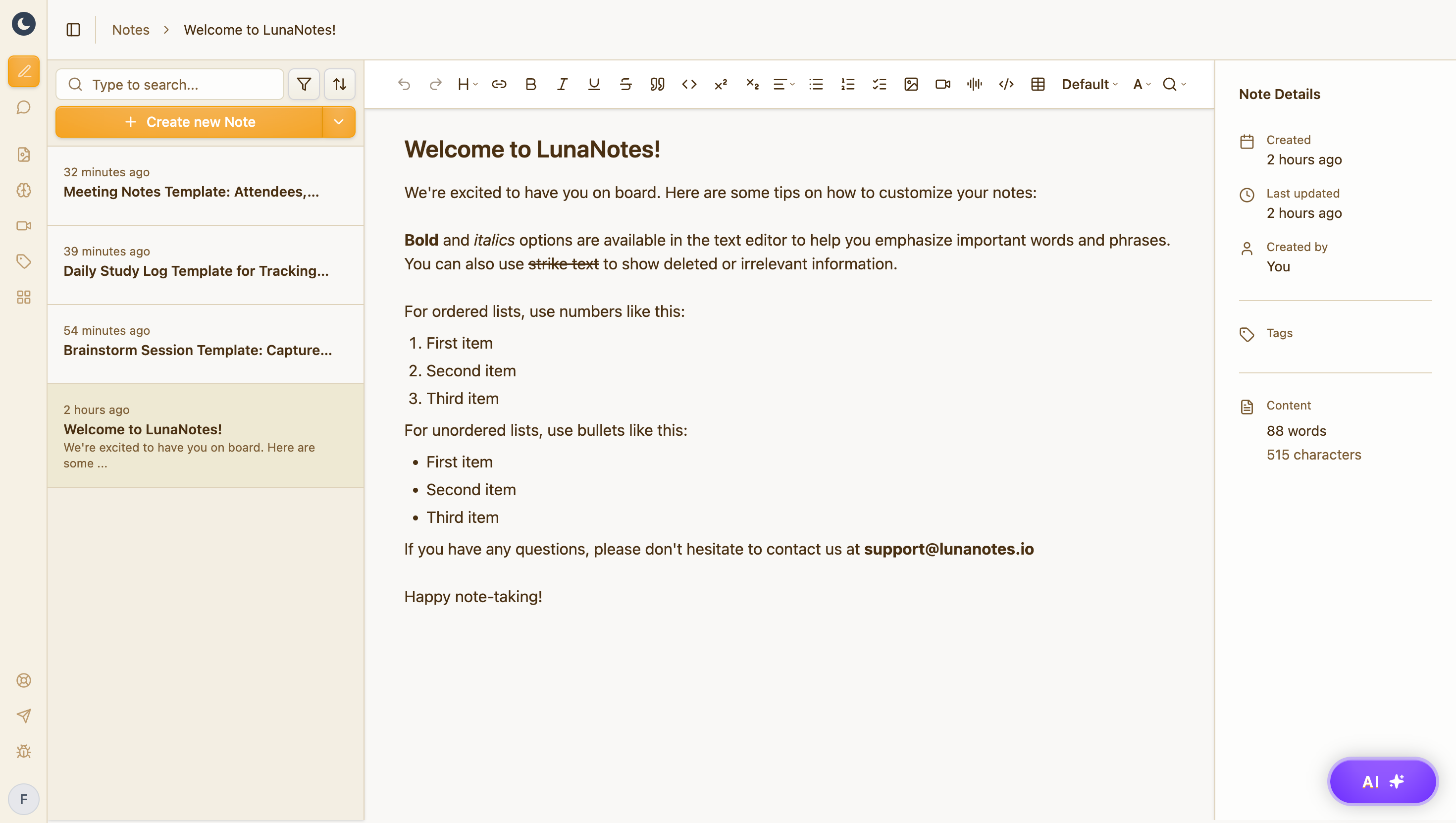
A structured note, not a wall of text
Headings, hierarchy, and the details that matter — editable the moment it lands, and searchable forever after.
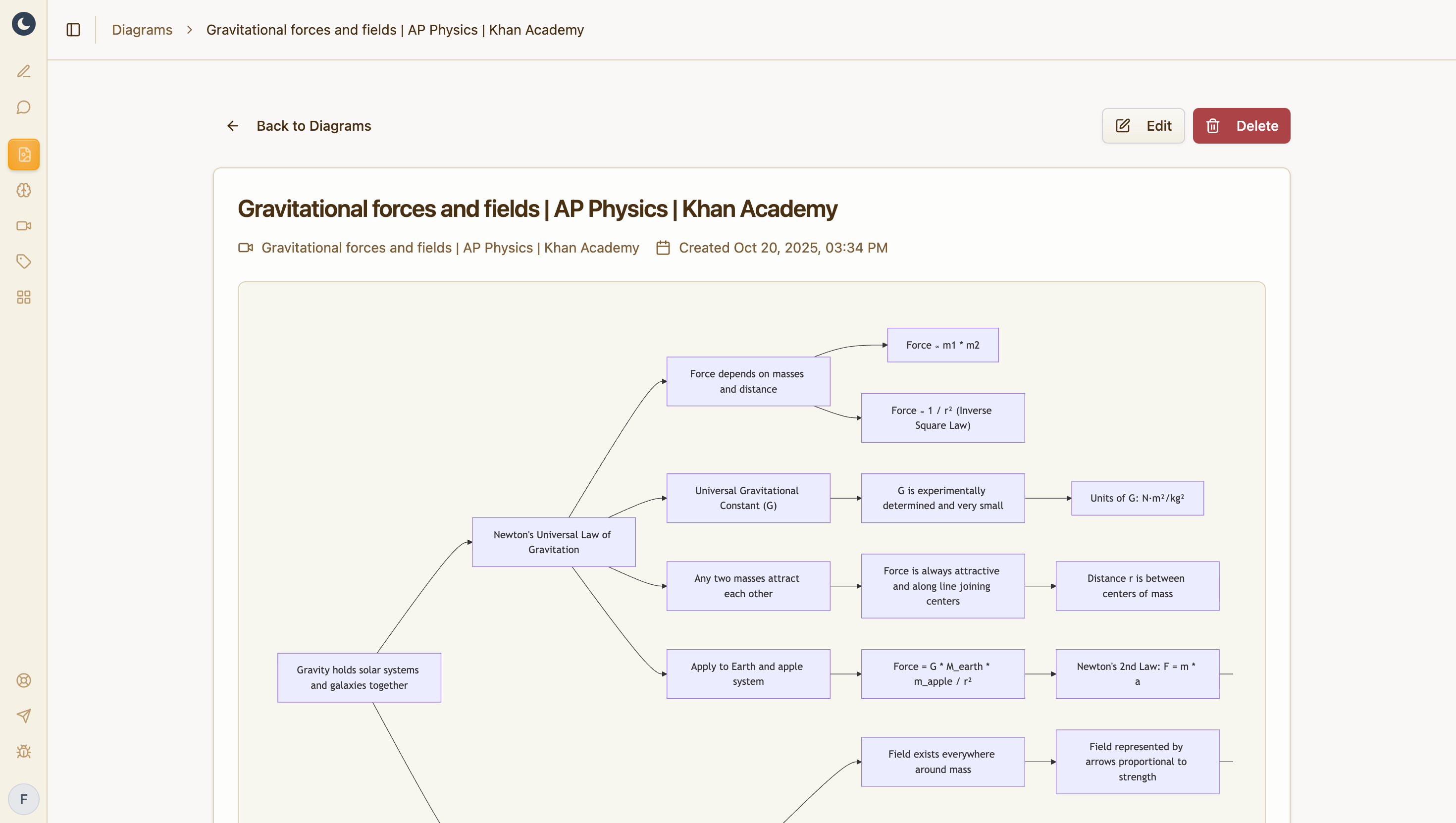
A diagram of how it connects
Turn the note into a concept map or flowchart. The relationships prose hides become obvious.
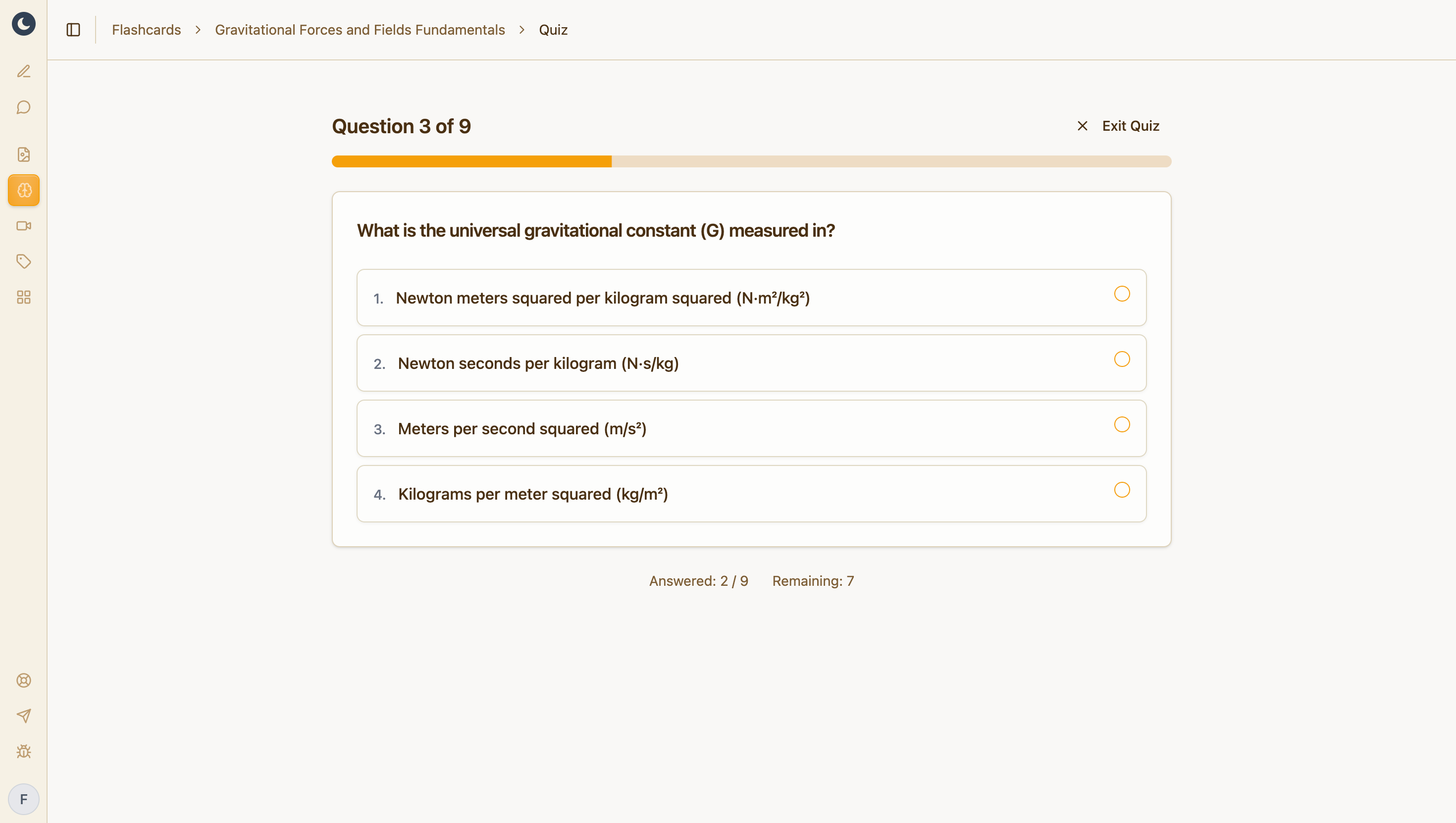
Flashcards that test your material
Generated from your own note, so revision starts from something you've already processed.
Free plan: 1,000 AI credits a month, 5 diagrams, 5 flashcard decks. No credit card.
Frequently asked questions
How do I make notes from a PDF?
Choose Upload PDF above and pick the file. Its text is read in your browser and placed in the box, so you can check it before pressing Make notes. The PDF itself is never uploaded.
Is it really free? Do I need to sign up?
Yes, it's free, and no. Paste your text and you get the notes without an account, an email address or a credit card. You can make five sets of notes an hour.
Is what I paste saved or published?
No. Your text goes to an AI model to write the notes, through providers that don't keep it or train on it, and the notes are held only until this page shows them. Nothing gets a public page, unlike the YouTube tools.
How much text can I use?
Up to 30,000 characters, about 12 pages of a textbook. Longer text is cut at that point and the page tells you. For a whole book or a long recording, use a free LunaNotes account.
Does it work with scanned PDFs?
Only if the PDF has selectable text. A scan that is just pictures of pages has no text to read. If you can highlight words in the PDF, it will work.
Can I turn the notes into flashcards?
Yes, in a free LunaNotes account. Save the notes there and LunaNotes makes flashcards from them, then brings each card back for review before you forget it.
What languages does it support?
Pick a language under the box and the notes are written in it, even when the source is in another one. There are 12 to choose from, including Spanish, French, German, Portuguese, Japanese and Chinese.
What is LunaNotes?
LunaNotes is an AI note-taking app. You bring a video, PDF, audio file, meeting or your own writing, and it gives you an editable note plus diagrams, flashcards and an AI chat built from it. This tool runs one step of that on its own. The free plan includes 1,000 AI credits a month, with no credit card.
More free tools
Same idea, different output. All free, all built on LunaNotes.
- Transcript & summary Paste a video link and get the full transcript plus a structured AI summary — headings, key points and takeaways instead of a wall of text.
- Timestamps & chapters Break a video into chapters with clickable timestamps and a short description of what happens in each one.
- Fact checker Pull the factual claims out of a video, check each one, and get a 0–100 credibility score with the reasoning shown.
- Subtitle downloader Download a video's captions as SRT, VTT or plain text — the timed subtitle file, ready to edit or re-use.