Free YouTube Transcript & Summary Tool
Transform YouTube videos into actionable insights instantly. Perfect for students, researchers, content creators, and professionals who need quick, accurate information from YouTube videos.
- Works with any YouTube Video
- Get accurate transcriptions fast
- Support for 12+ languages
- Share results instantly
A free sample of LunaNotes — an AI note-taking app that turns anything you're learning from (videos, PDFs, audio, meetings, your own writing) into a structured note you can edit, plus diagrams, flashcards and an AI chat built from it.
This tool runs one step of that on its own: you get the summary, free, right here, with no account.
See what an account addsThis tool gives you the transcript. LunaNotes gives you the rest.
LunaNotes is an AI note-taking app: bring a video, a PDF, an audio file, a meeting or your own writing, and it becomes a note you can edit, study, revise and ask questions of. The free tool stops where that work starts.
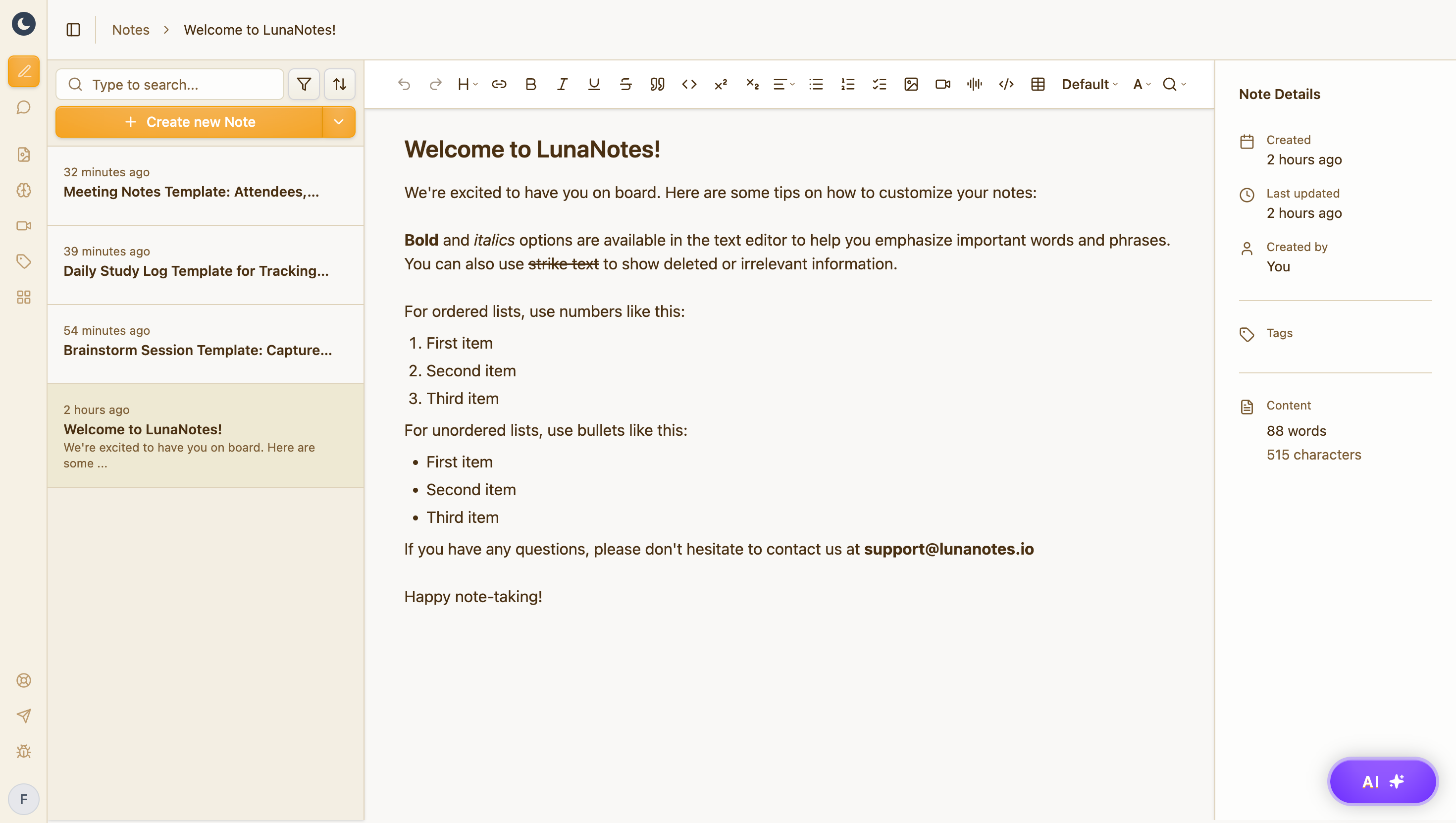
A structured note, not a wall of text
Headings, hierarchy, and the details that matter — editable the moment it lands, and searchable forever after.
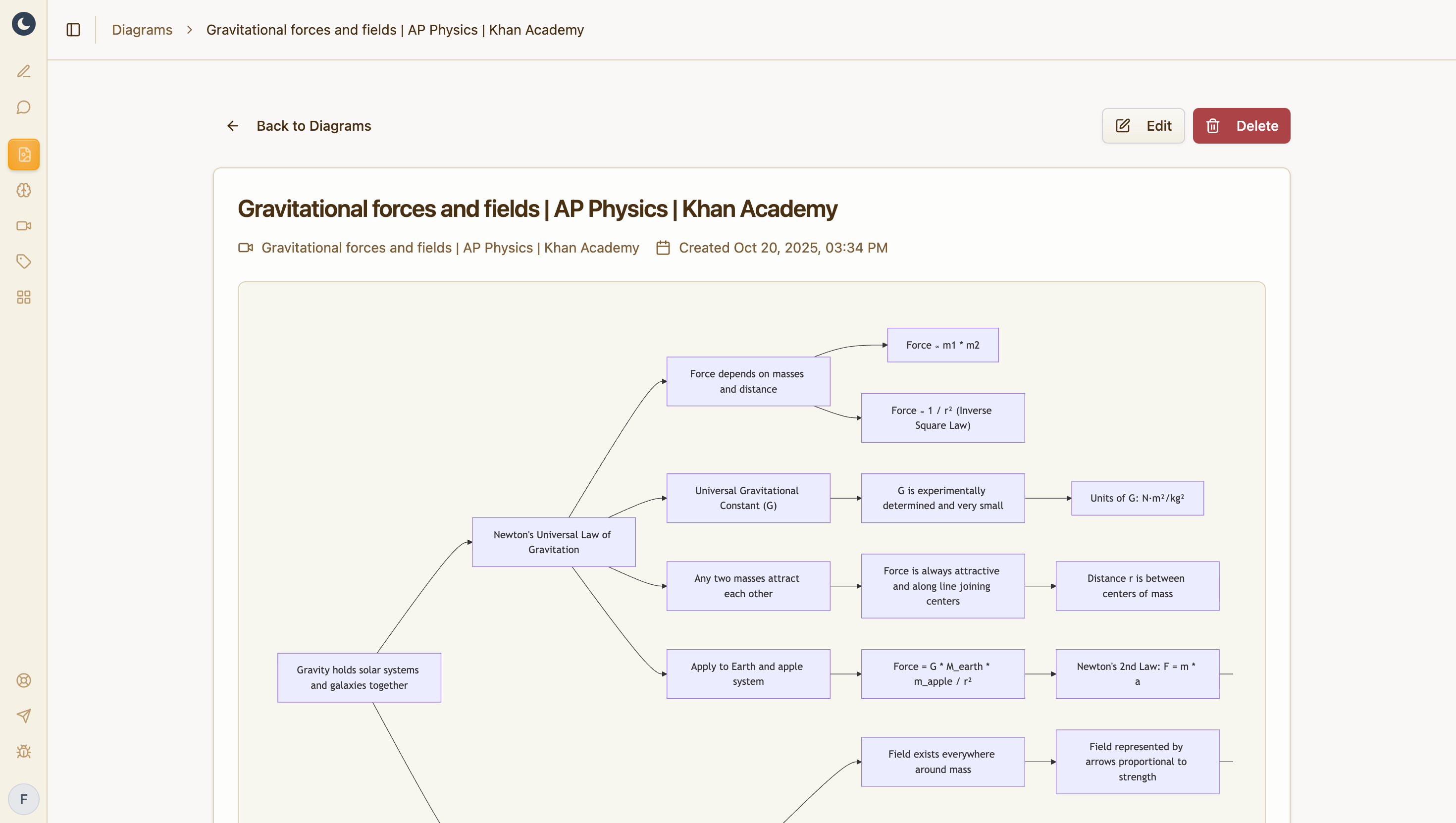
A diagram of how it connects
Turn the note into a concept map or flowchart. The relationships prose hides become obvious.
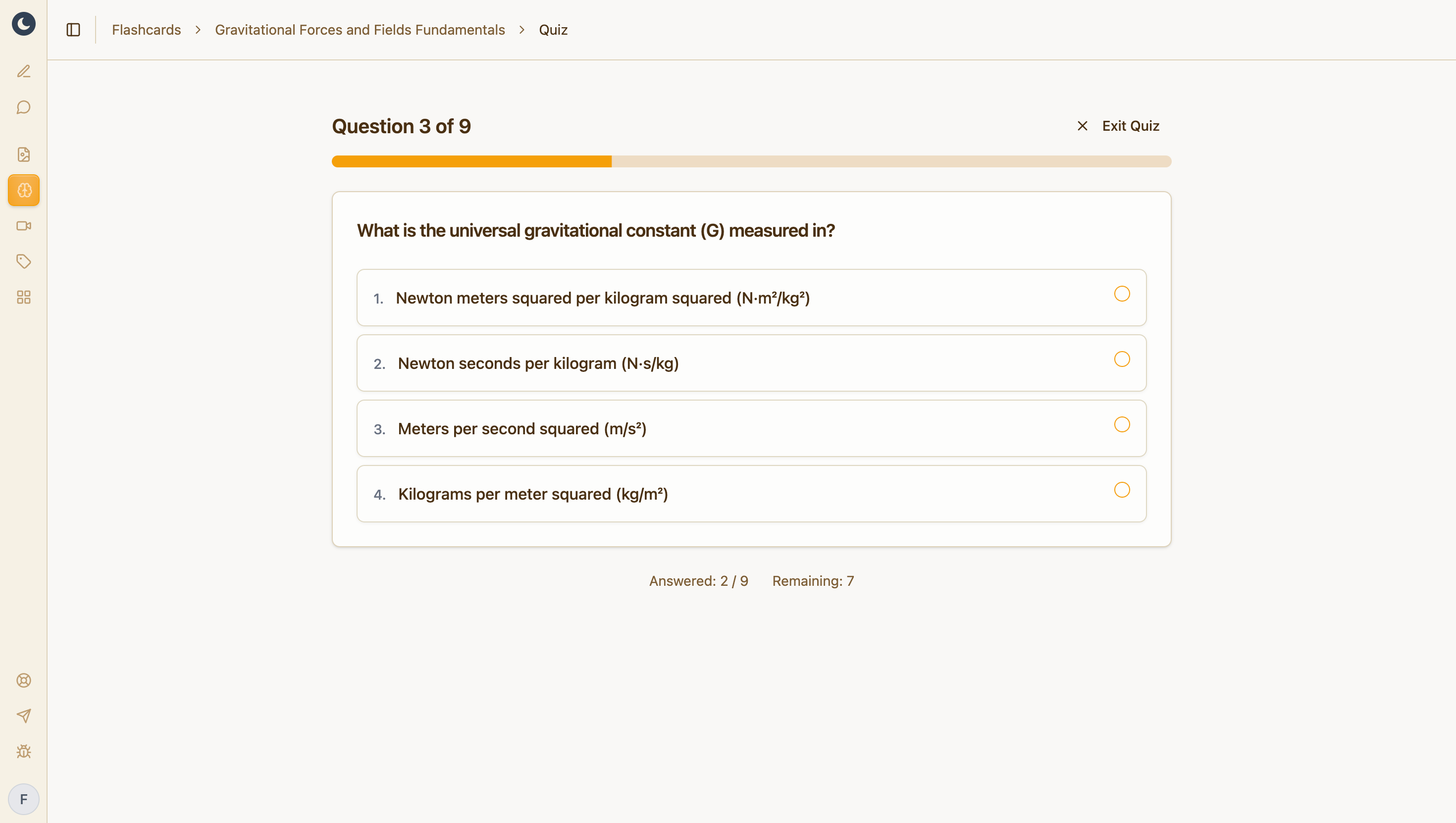
Flashcards that test your material
Generated from your own note, so revision starts from something you've already processed.
Free plan: 500 AI credits a month, 5 diagrams, 5 flashcard decks. No credit card.
How It Works
Get your YouTube transcript and summary in three simple steps
Paste URL
Enter any YouTube video URL
Generate
Get instant transcript and summary
Share
Get a unique, shareable page
Frequently Asked Questions
Everything you need to know about our free YouTube transcript and summary tool
More free tools
Same idea, different output. All free, all built on LunaNotes.
- Timestamps & chapters Break a video into chapters with clickable timestamps and a short description of what happens in each one.
- Fact checker Pull the factual claims out of a video, check each one, and get a 0–100 credibility score with the reasoning shown.
- Subtitle downloader Download a video's captions as SRT, VTT or plain text — the timed subtitle file, ready to edit or re-use.
Let's Try!
Start taking better notes today with LunaNotes
Most Viewed Summaries

A Comprehensive Guide to Using Stable Diffusion Forge UI
Explore the Stable Diffusion Forge UI, customizable settings, models, and more to enhance your image generation experience.

Kolonyalismo at Imperyalismo: Ang Kasaysayan ng Pagsakop sa Pilipinas
Tuklasin ang kasaysayan ng kolonyalismo at imperyalismo sa Pilipinas sa pamamagitan ni Ferdinand Magellan.

Mastering Inpainting with Stable Diffusion: Fix Mistakes and Enhance Your Images
Learn to fix mistakes and enhance images with Stable Diffusion's inpainting features effectively.

Pamamaraan at Patakarang Kolonyal ng mga Espanyol sa Pilipinas
Tuklasin ang mga pamamaraan at patakaran ng mga Espanyol sa Pilipinas, at ang epekto nito sa mga Pilipino.

How to Install and Configure Forge: A New Stable Diffusion Web UI
Learn to install and configure the new Forge web UI for Stable Diffusion, with tips on models and settings.
Random Summaries
Antepartum Assessment 5: Key Differences in Normal vs Abnormal by Gestational Age
This lecture shows how to assess five key categories – pain, contractions, leaking, bleeding, and fetal movement – during the antepartum period, emphasizing that normal vs. abnormal findings depend heavily on gestational age (especially the 20-week cutoff). It provides clear clinical cues to differentiate expected physiological changes from dangerous complications like preterm labor, placental issues, or fetal distress.
Master Autolinking Items in Monday.com: Setup, Automations & Unique IDs
Learn how to automatically link items across boards in monday.com using connect boards columns and automations. This guide covers two-way connections, trigger types (new item vs column change), and methods for creating unique reference numbers—including AI extraction, workarounds for Item ID, and third-party apps.
बोर्ड परीक्षा के लिए इलेक्ट्रॉन डॉट संरचना बनाने का आसान तरीका
यह वीडियो बोर्ड परीक्षा में 2-3 अंकों के लिए पूछे जाने वाले कैल्शियम ऑक्साइड, अमोनिया, एथीन आदि के इलेक्ट्रॉन डॉट संरचना बनाने की आसान चरणबद्ध विधि समझाता है। इसमें आयनिक और सहसंयोजक बंधों के नियम (तीर, डॉट-क्रॉस, कोष्ठक) विस्तार से दिए गए हैं ताकि परीक्षक स्टेपवाइज अंक दे सकें।

4 Key Security Control Categories: Technical, Managerial, Operational, Physical
This video breaks down the four main security control categories (technical, managerial, operational, and physical) and how they apply to preventing, detecting, and responding to security events. Learn practical examples like firewall rules, guard shacks, and backup recovery to strengthen your organization's defense posture.

Star Wars Galactic Racer Review: A Fast, Fun Racing Game Worth Your Time
Jake Baldino of Before You Buy shares his first impressions of Star Wars Galactic Racer, a high-speed racing game set after the fall of the Empire. He finds it a genuinely fun, no-BS experience with excellent vehicle handling and a great sense of speed, comparing it favorably to *Star Wars: Squadrons*. While noting some repetition and the lack of split-screen, he believes it’s a solid package for Star Wars fans and racing enthusiasts alike.